Construction Tech
Designing Distribution Networks
End-to-end UX for a greenfield B2B design tool targeting a $10B+ market in construction distribution network design.
Client
Confidential
Role
Lead UX Designer
Year
2024
Tools
Figma, FigJam, Miro
The Market Opportunity
The construction industry's distribution network design market exceeds $10B. The largest and most accessible segment is small, simple projects: cookie-cutter buildings like apartment complexes, hotels, and offices. The primary strategic objective was to penetrate this high-volume segment first — winning on speed and simplicity — while building the foundation to expand into medium and complex installations over time.
Small Projects
Low Complexity
Medium Projects
Mid Complexity
Complex Projects
High Complexity
← Less Complex · More Accessible
Discovery: Experts & Users
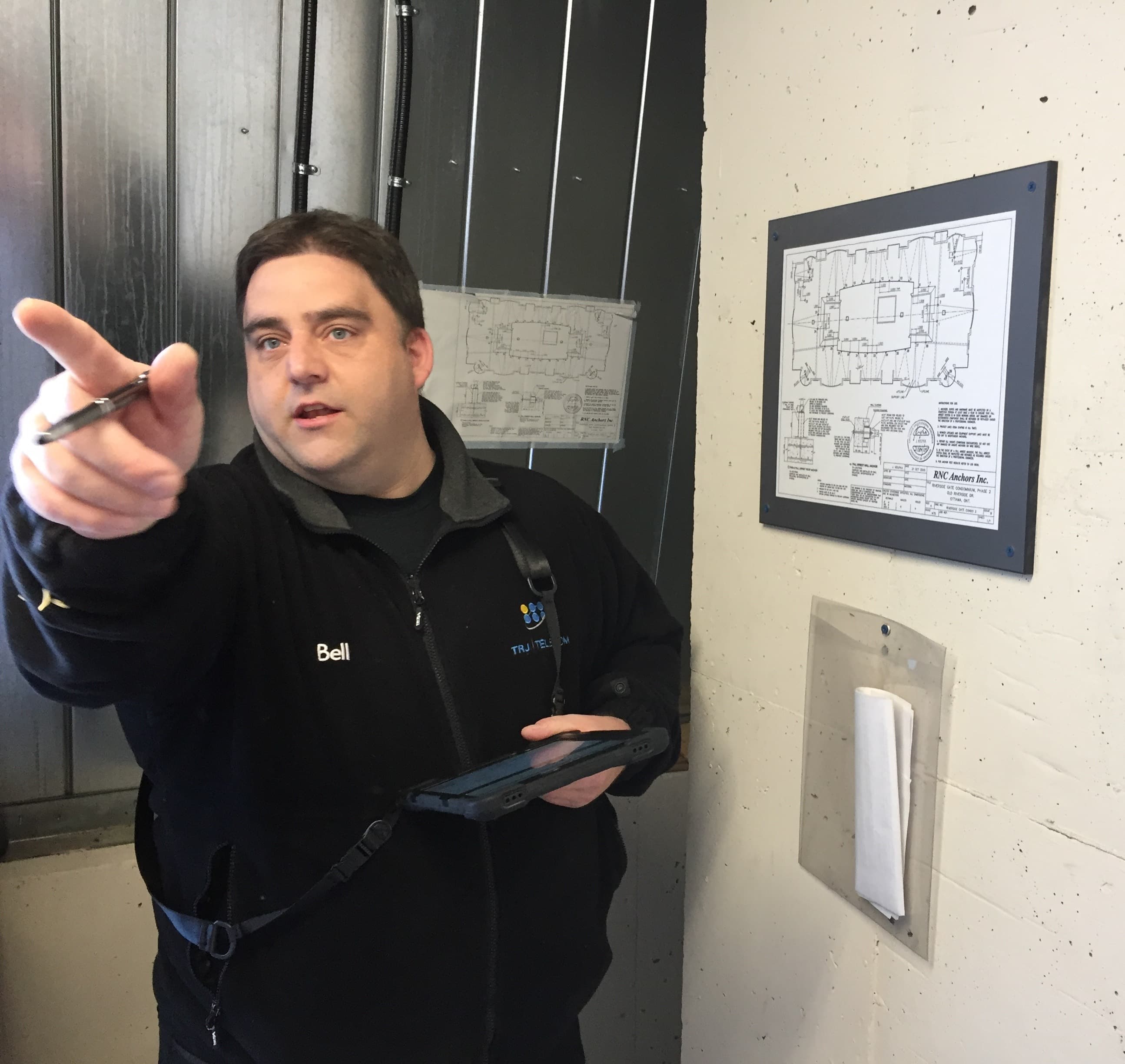
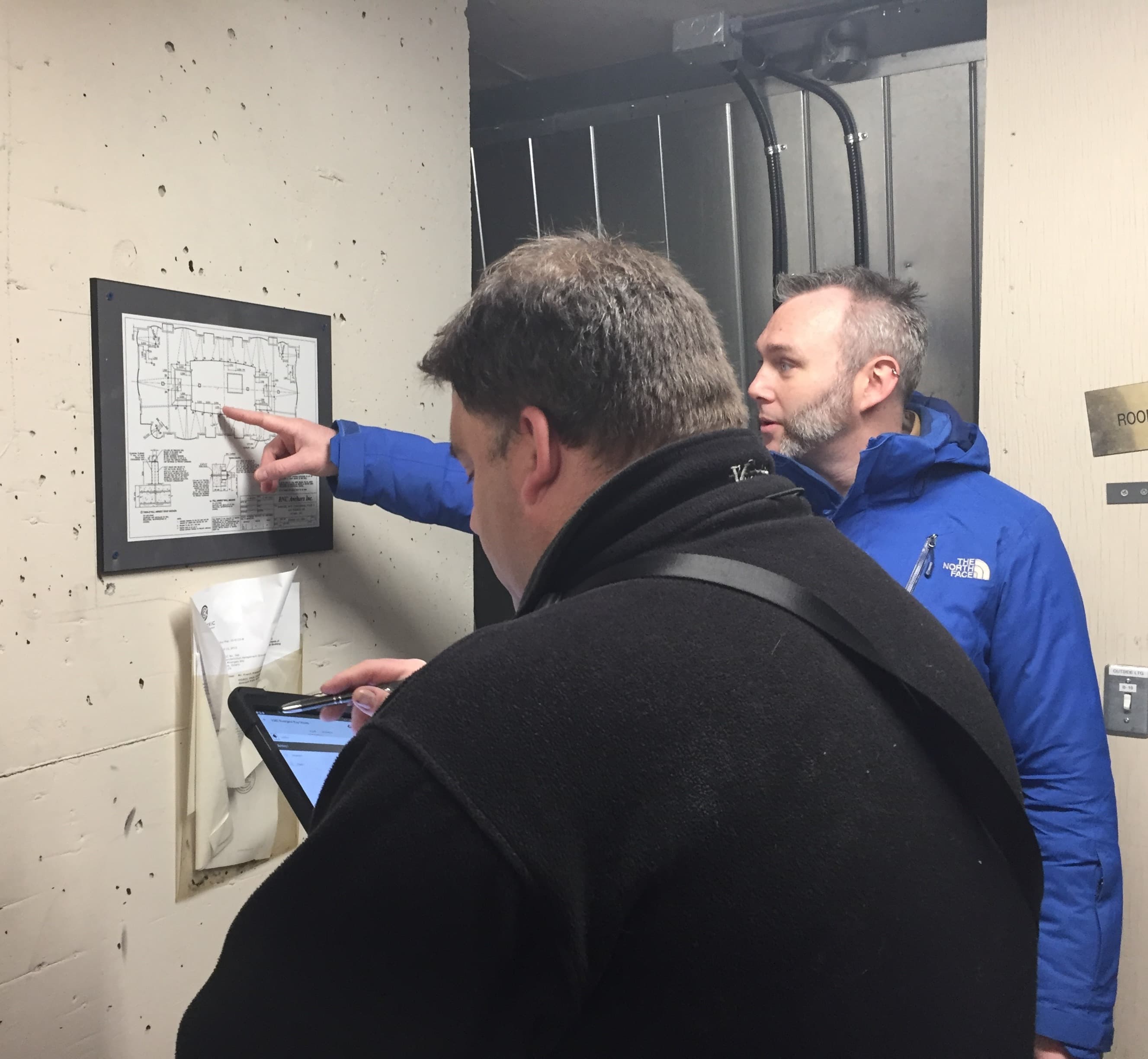
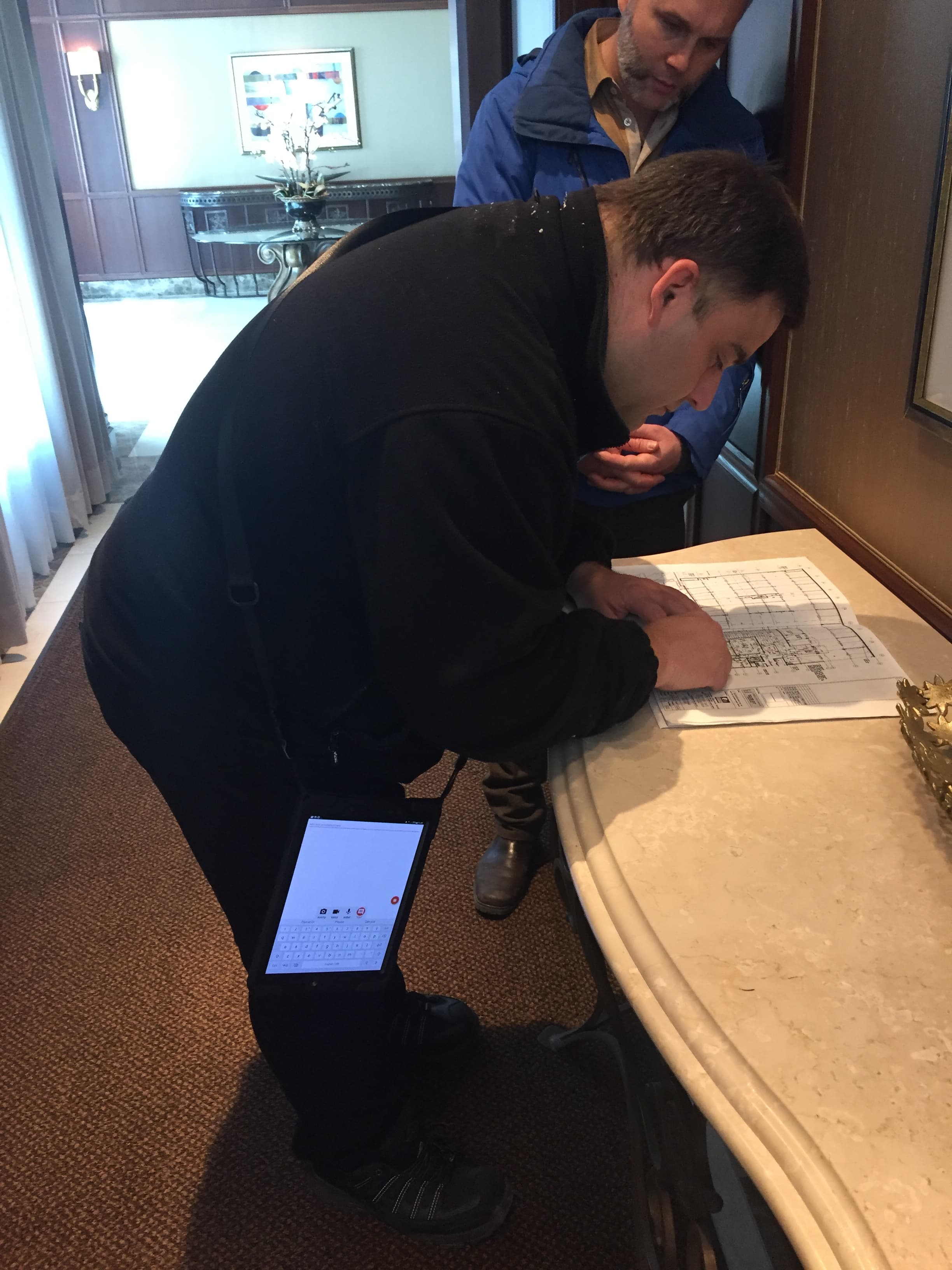
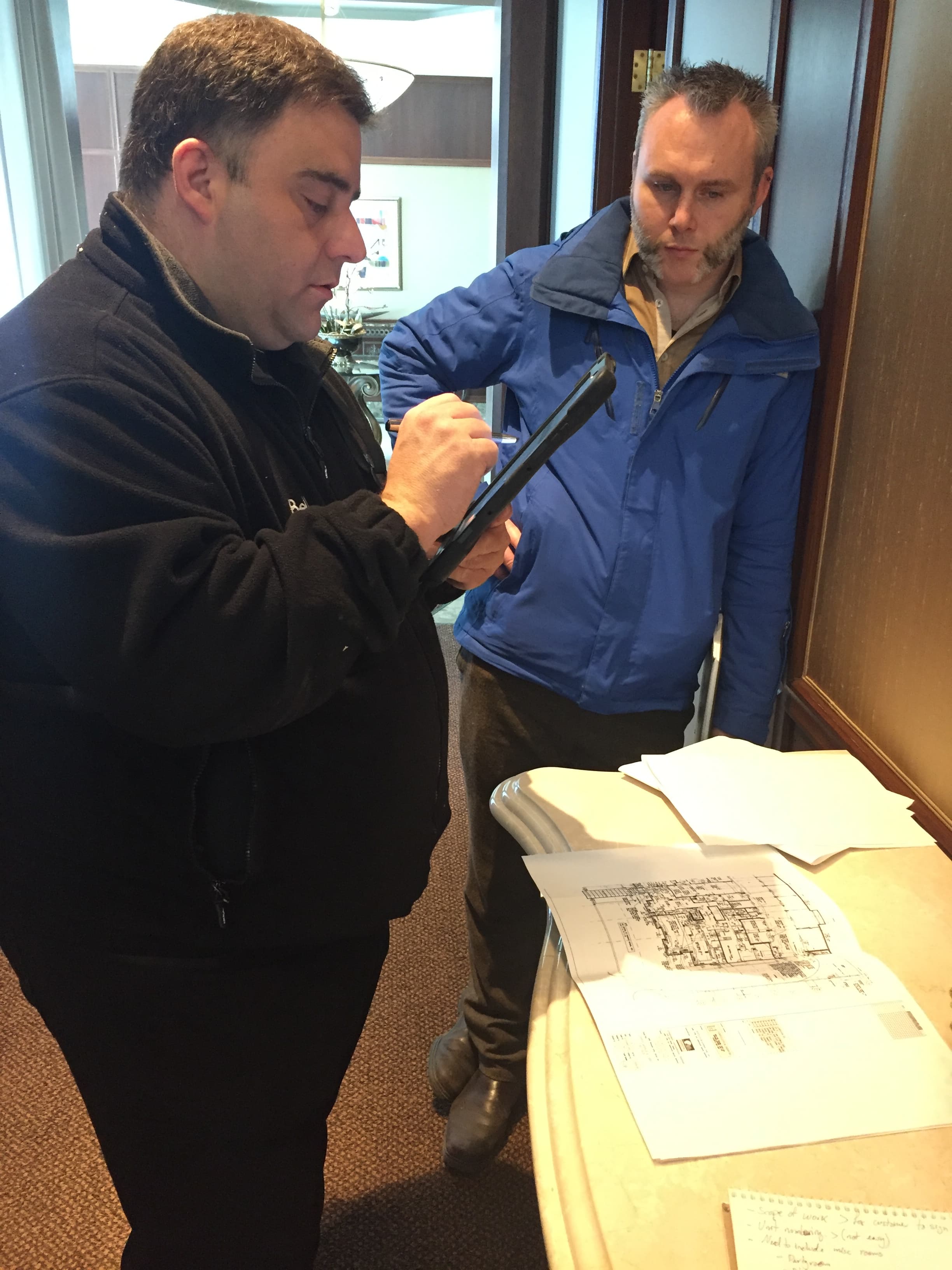
Research began with expert interviews to map the high-level industry process — who does what, when, and how projects flow from concept to installation. From there, I interviewed both highly experienced designers and complete beginners to understand the detailed workflow at the task level and identify the core goals driving each user type. Internal workshops synthesised findings and aligned the team around a shared problem framing.
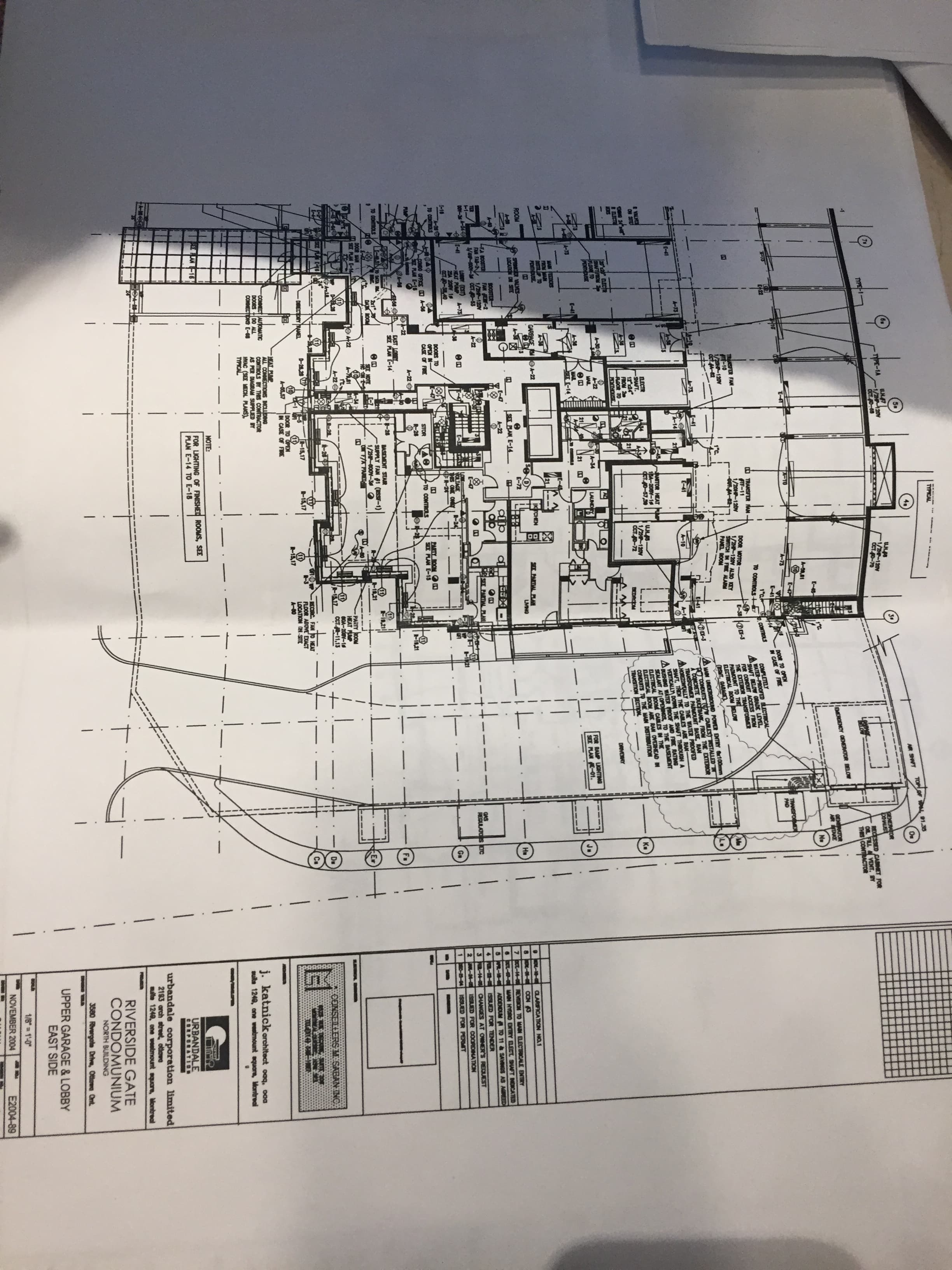
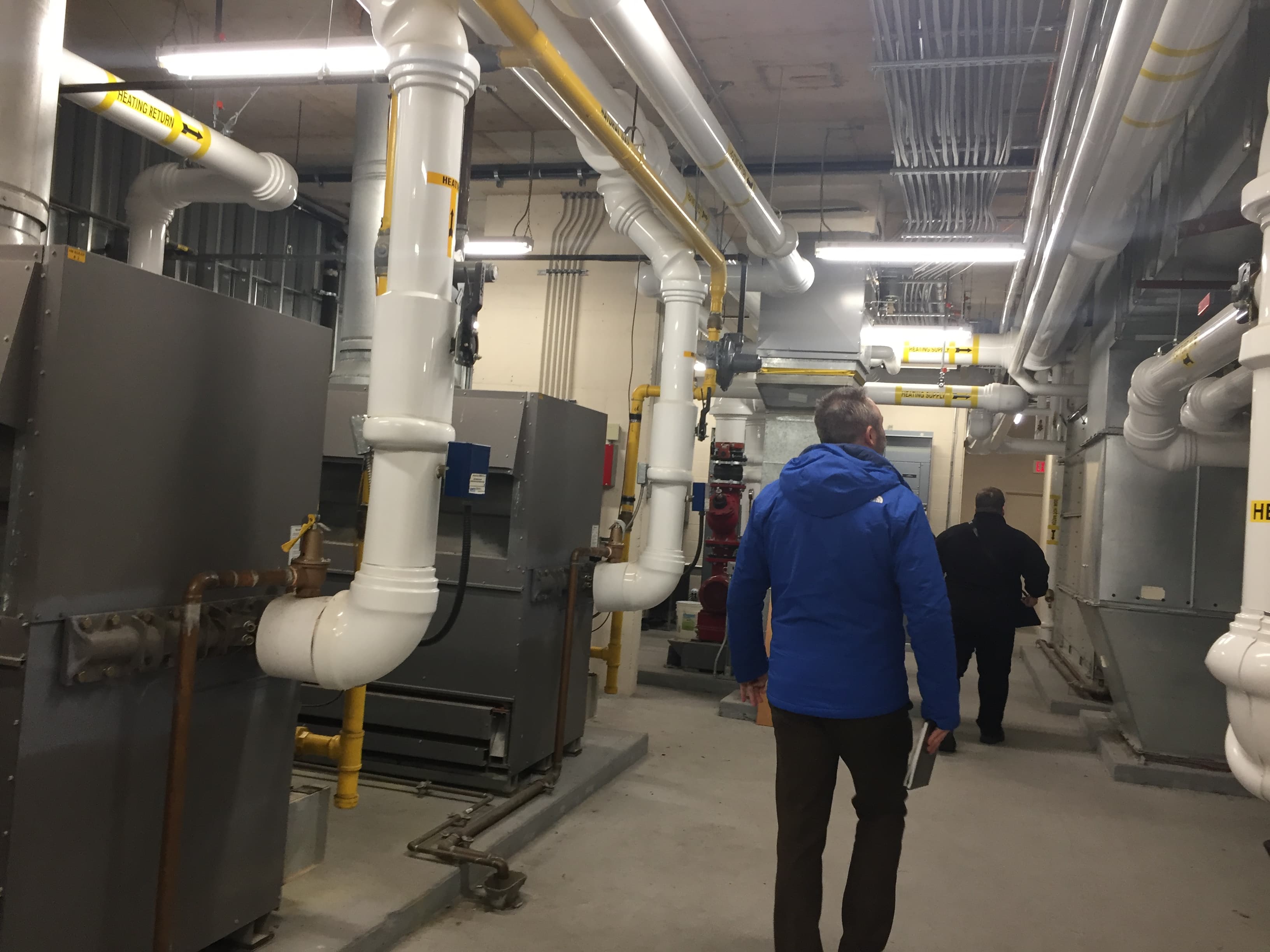
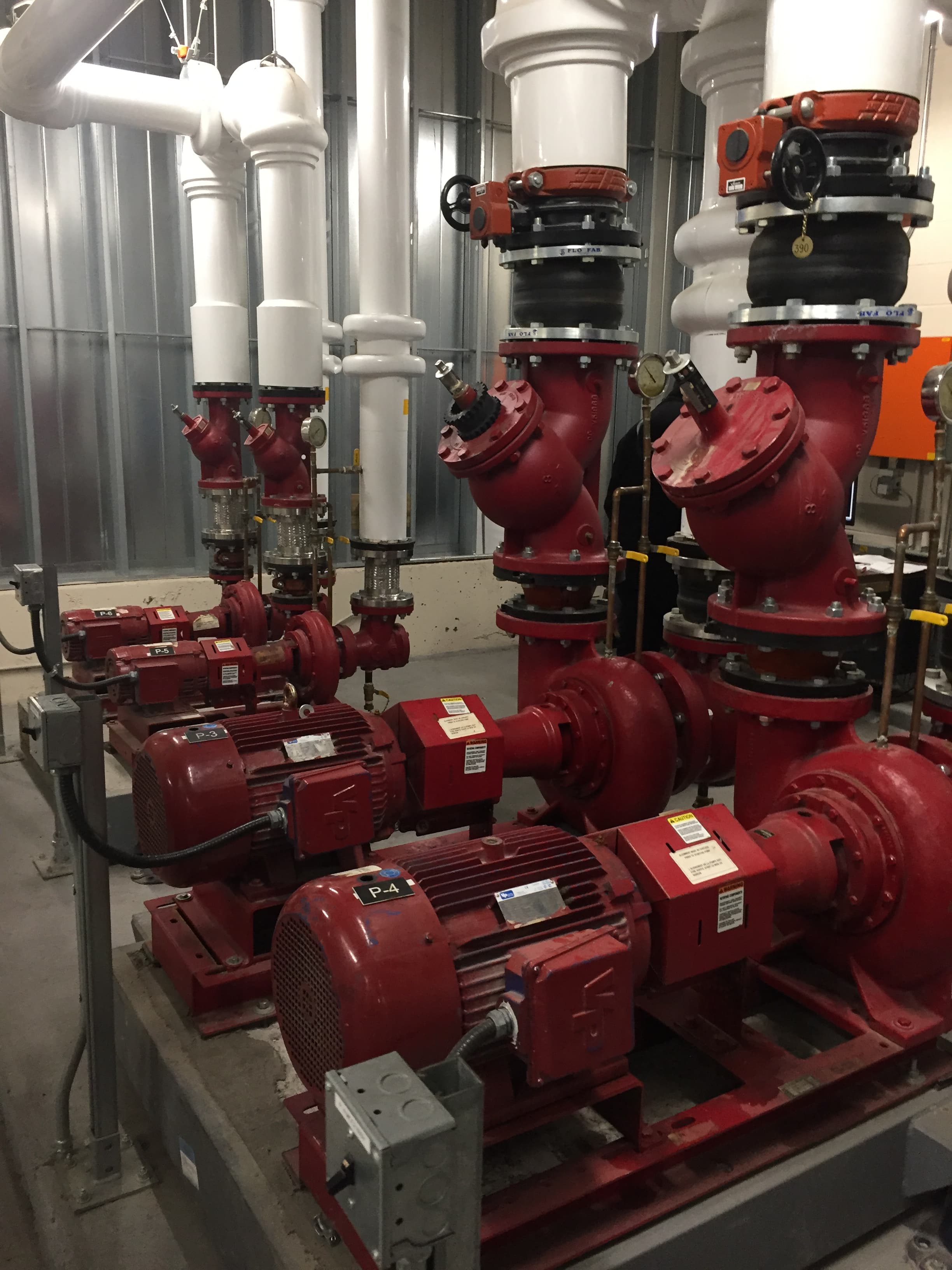
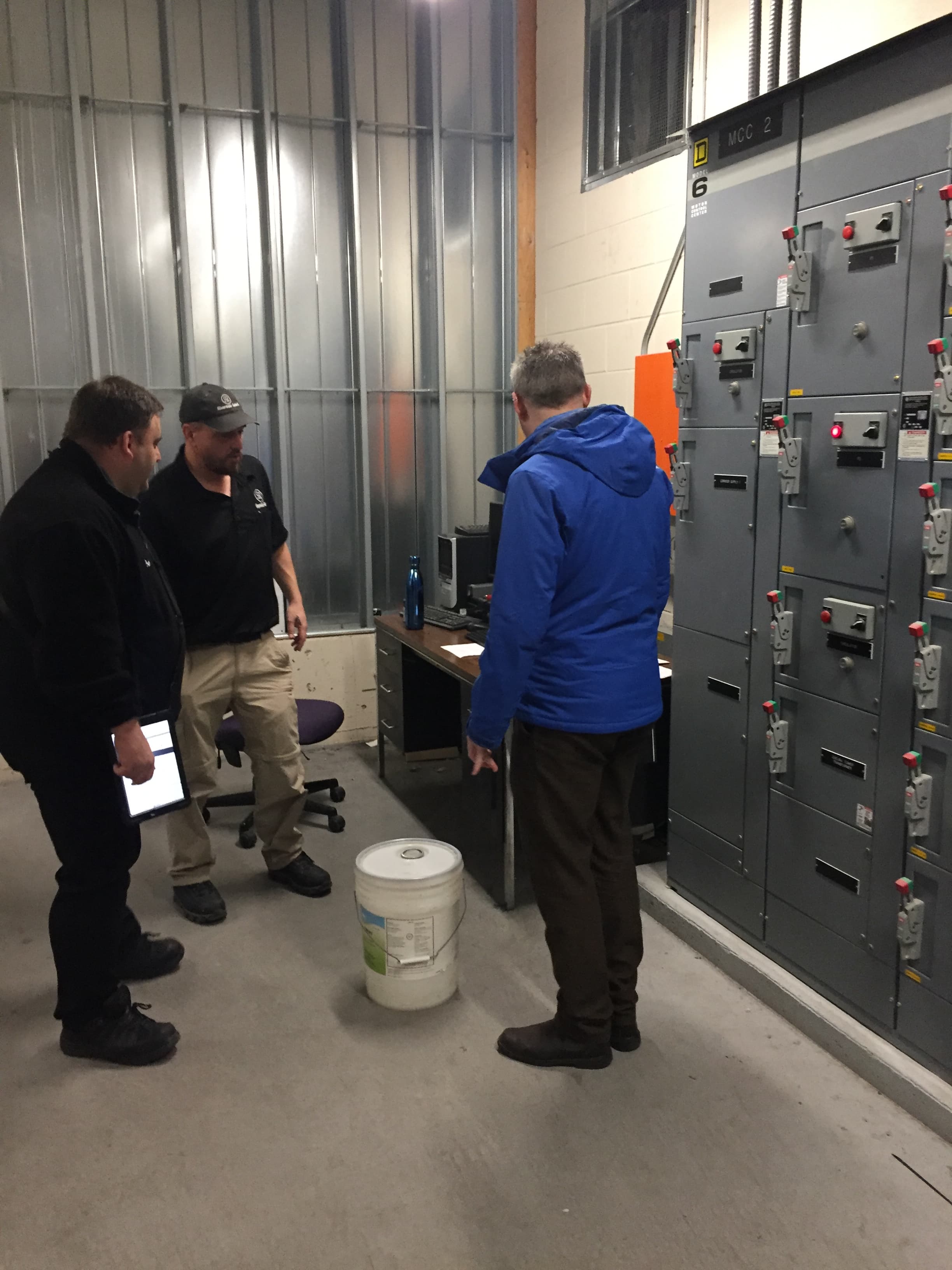
The Hierarchy of Needs
Three forces drive every distribution network designer. Time is money — literally. Labour at every stage is expensive, and mistakes discovered late cost ten times more to fix. Simulations are essential to get the design right before installation. Collaboration matters: these projects involve multiple teams and companies, and smooth information-sharing reduces both cost and conflict. Finally, it is a business: designers need high-quality documentation and visual renders to impress clients and win future projects.

01
Time is Money
Labour at every stage is expensive and mistakes discovered late cost ten times more to fix. Simulations are essential to get the design right before installation.

02
Collaboration
These projects involve multiple teams and companies. Smooth information-sharing reduces both cost and conflict throughout the project.

03
Business Results
Designers need high-quality documentation and visual renders to impress clients and win future projects.
Design Principles
Six principles guided every decision: easy to use — accessible for beginners without penalising experts; fast path to success — from zero to a working design as quickly as possible; progressive mastery — a clear path from novice to advanced; company expertise built in — best practices encoded in the tool, not left implicit; delight — visual quality and feature richness both matter; fast delivery — ship value quickly and iterate.
01
Easy to Use
Accessible for beginners without penalising experts.
02
Fast Path to Success
From zero to a working design as quickly as possible.
03
Progressive Mastery
A clear path from novice to advanced.
04
Company Expertise Built In
Best practices encoded in the tool, not left implicit.
05
Delight
Visual quality and feature richness both matter.
06
Fast Delivery
Ship value quickly and iterate.
Defining the MVP
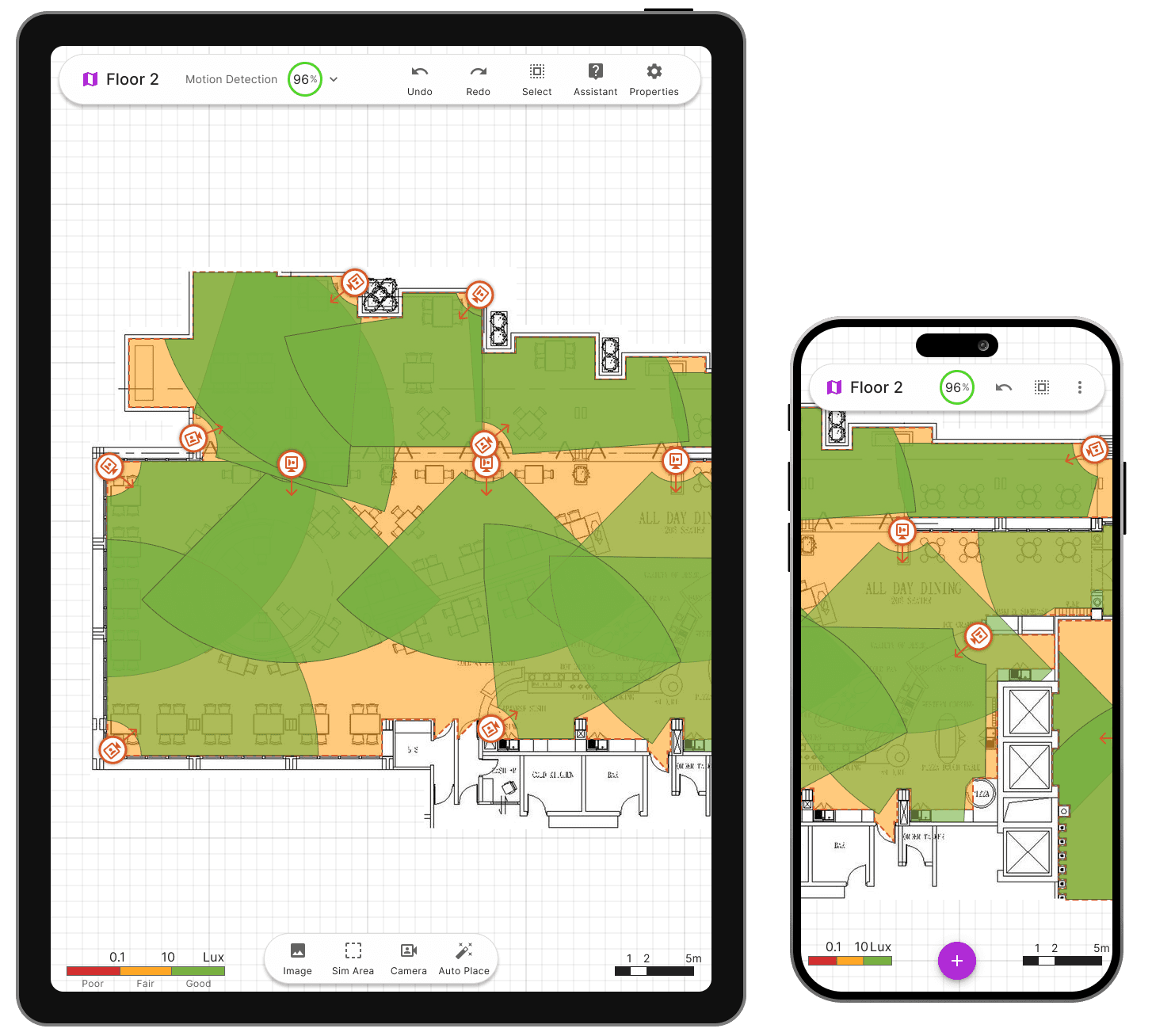
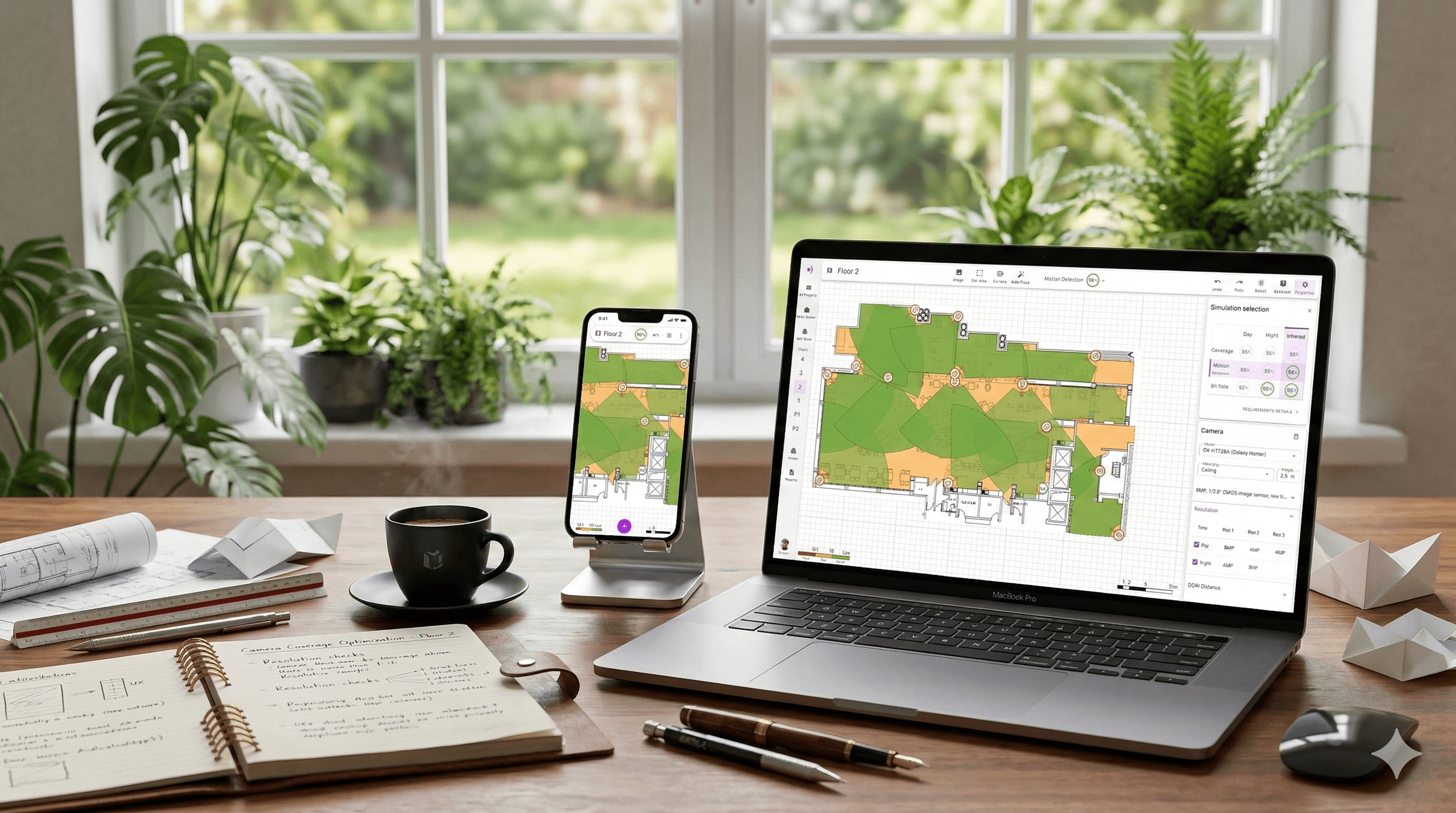
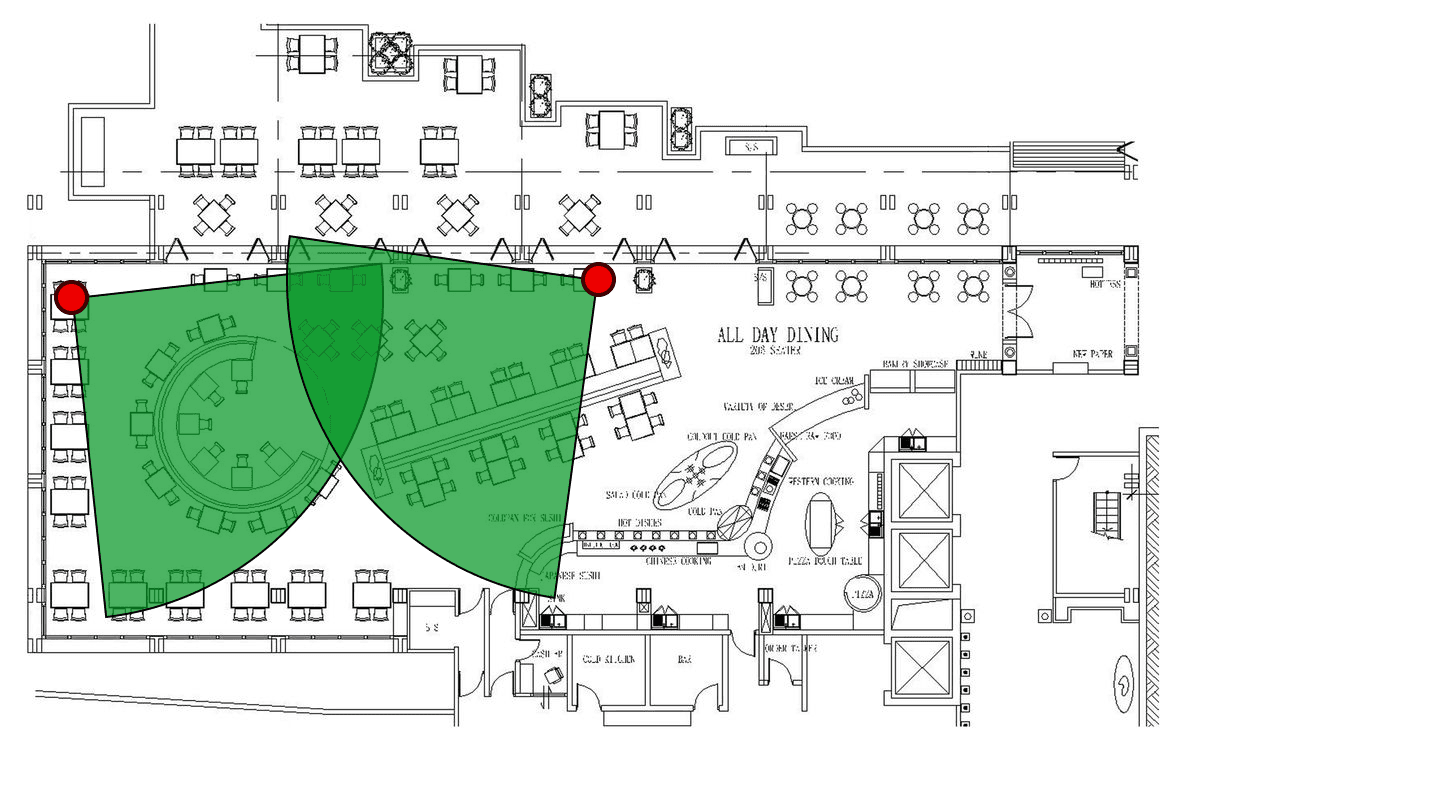
The minimum viable product answers one question: what is the smallest useful thing a designer will pay for? For this market, that answer was two capabilities: simulate camera coverage and generate a bill of materials. These two screens prove the core value loop — a designer can input a floor plan, place cameras, immediately verify coverage requirements are met, and know what the installation will cost.
Interface Design
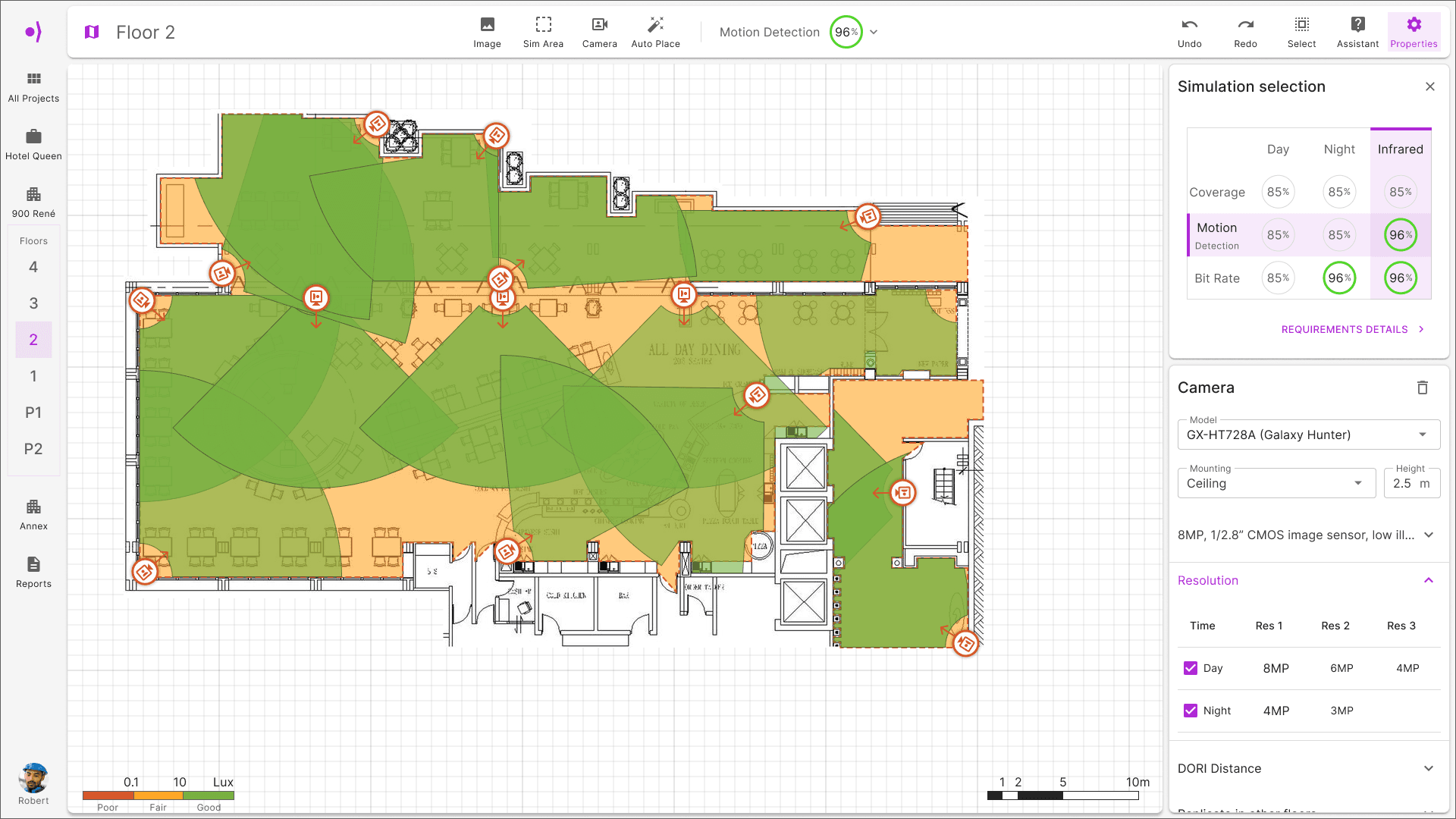
After more than 100 iterations using Material Design as the base system, a clear design language emerged. The application assumes expert users: no-nonsense flows, canvas at centre stage, tools at the edges. Icons carry short descriptions to support new users without cluttering the workspace for experienced ones. The four core screens — Home, Project Details, Building View, and the Floorplan canvas — each have a single primary job.
Cross-Platform Strategy
Desktop: side panels are non-modal, staying open while the designer moves between tools and canvas. Tablet: the app bar and main tools are retained; panels adapt. Mobile: panels become modal to maximise canvas space. Precision placement on touch uses a two-step flow — pan to position the crosshair target, then tap to insert — eliminating the drag errors that plague direct-placement interactions on small screens.